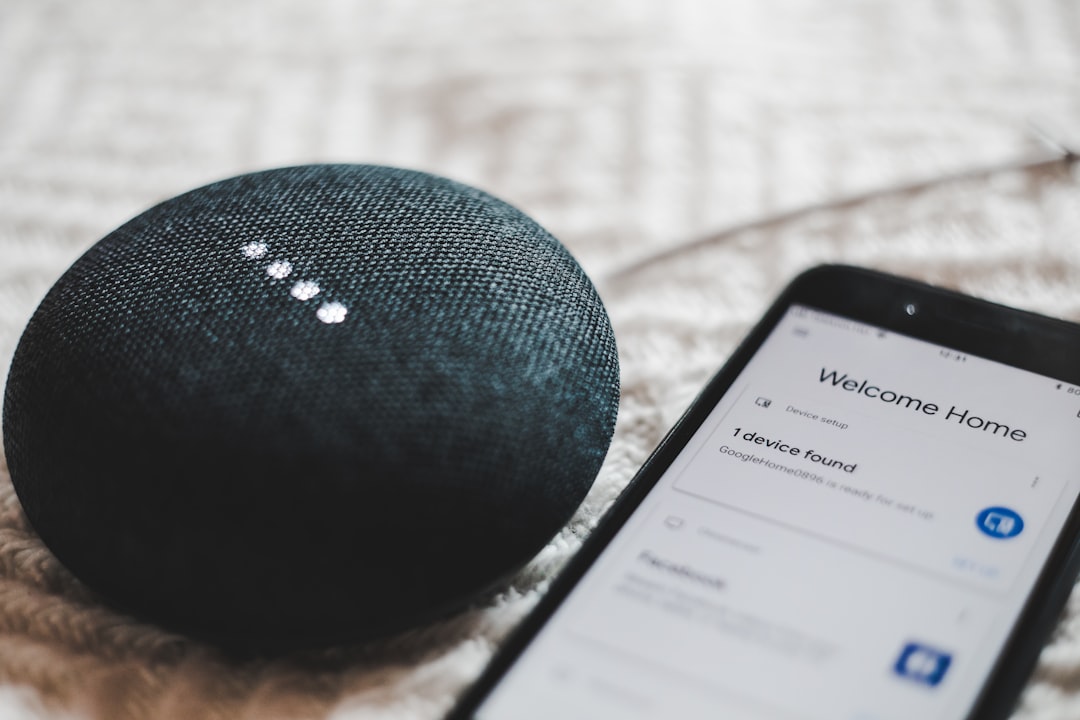
Your Google Home routine used to say “Hey Google, movie time” and dim the lights, turn on the TV via a custom action to your receiver, and start a Spotify playlist. This week it dims the lights, plays the playlist, and skips the custom action entirely. No error message, no notification, just silence where the TV should have turned on. This is the routine-custom-actions-drop-out pattern and it hit thousands of Google Home users after the mid-2026 routine engine update. This guide covers exactly why custom actions vanish and how to rebuild them so they stick.
What actually changed in the routine engine
Google refactored the routine engine in April 2026 to move from the old “linear script” execution model to a new “action graph” model. The rewrite is more capable (parallel actions, conditional branches, per-action delays) but it broke backward compatibility with three specific custom-action types:
- Text-based commands as actions. The old engine let you type a command like “Turn on Living Room TV” as an action. The new engine requires structured device targets, and text commands that referenced devices with ambiguous names silently fail.
- Broadcast actions that included specific device targeting. The old engine let you broadcast “Movie starting” only to the living room speaker. The new engine treats “broadcast to” as either “all Google speakers” or one specific speaker by exact name; anything in between falls through.
- Third-party integrations exposed as actions. Custom actions that hit a Home Assistant, IFTTT, or SmartThings bridge as an action verb require the bridge to advertise itself with the new action-graph metadata. Older integrations that were compatible with the old routine engine were auto-disabled from the new one until their maintainers updated.
The rebuild sequence
Do this in the Google Home app on your phone (not on the smart display, which has a reduced editor).
- Open the Home app, tap Routines at the bottom, and open the broken routine.
- Every action shows either a green icon (compatible) or a gray icon with a small warning triangle (incompatible or disabled). Note which actions are gray.
- Tap each gray action to delete it. The delete confirmation warns you that the action is being removed; that is expected.
- Tap Add Action and rebuild using the new action selectors:
- For a device state change: Add Action, Home Control, choose the device, choose the state.
- For a media playback action: Add Action, Play Media, choose the source (Spotify, YouTube Music), choose the destination speaker or group.
- For a broadcast: Add Action, Communicate, Announce, then choose destinations from the checklist.
- For a Home Assistant or other integration action: verify the integration is updated (Settings, Services, look for “Update available”), then rebuild the action from the current action list.
- Save the routine and test by saying the trigger phrase.
Which action types migrated cleanly and which did not
| Action type | Migrated automatically | Required manual rebuild |
|---|---|---|
| Light on/off, brightness, color | Yes | No |
| Thermostat set point | Yes | No |
| Lock or unlock | Yes | No |
| Camera view broadcast to display | Partial | Yes, for camera groups |
| Play music from a specific playlist URL | Yes, for Spotify and YouTube Music | Yes, for third-party services |
| Play a saved radio station | Partial | Yes, for TuneIn presets |
| Broadcast to a specific speaker (not group) | No | Yes |
| Custom text command sent to Assistant | No | Yes, using structured selector |
| IFTTT applet trigger | Only if the IFTTT integration was updated post-April 2026 | Sometimes |
| Home Assistant script trigger | Only if the Nabu Casa integration was updated post-April 2026 | Sometimes |
The specific device-naming trap
Devices with generic names like “TV” or “Speaker” or “Light” now fail if your household has more than one device that could match. The new engine requires the device name to be unique across your home. Rename ambiguous devices with room prefixes:
- “TV” becomes “Living Room TV”
- “Speaker” becomes “Kitchen Speaker”
- “Light” becomes “Bedroom Ceiling Light”
After renaming, wait 30 seconds and re-open the routine editor. The device selector will now show the new names. Rebuild the actions and save.
When the routine still fails after rebuilding
The remaining common cause is a stale device link in the Google Home cloud. Symptoms include the action showing as configured correctly in the editor but silently doing nothing at runtime. Fix by re-linking the device:
- Home app, tap the device, Settings, Unlink from Home.
- Confirm the unlink. The device disappears from your home.
- Re-add the device from Add, Set up device, Works with Google.
- Follow the manufacturer’s linking flow. Once complete, the device reappears with a fresh cloud link.
- Re-open the routine and re-select the device in the affected action.
This process takes about ten minutes per device and resolves the “silently doing nothing” case in almost every reported instance.
Frequently asked questions
Will Google migrate my routines automatically in a future update? Google’s engineering team said in the April 2026 release notes that automatic migration for the remaining categories was planned for late 2026. As of this writing, only the categories in the table above have migrated cleanly.
Do routines triggered by a schedule behave differently from voice-triggered ones? Both use the same action graph now. The failure mode is identical.
Can I export my routines as a backup before making changes? Not through the Home app. Third-party tools like Google Takeout include routine data but the export format is not officially supported for re-import.
My routine works from my phone but not from my smart display. Why? Smart displays run a slightly older routine engine version. Reboot the display (unplug 30 seconds) to force it to reload the current routine set from cloud.
Does the new engine improve routines’ latency? Marginally, for parallel actions. A routine with three lights turning on now runs them in parallel instead of sequentially, saving about 1-2 seconds total on a typical setup.
Are routines running on the smart speaker itself or in the cloud? Cloud. Even routines that only control local devices run through Google’s cloud action graph. During an internet outage, no routines fire, which is why local-first setups on Home Assistant remain the more resilient choice.
Can I copy a routine to another Google account? No, not directly. Routines are per-account and per-home. A shared home lets multiple members trigger the same routines, but exporting a routine’s definition to a different account requires rebuilding it from scratch.
Do routines respect the household’s Digital Wellbeing quiet hours? Yes. If a routine’s trigger fires during Downtime, the routine still runs, but any speaker actions (announcements, media) are suppressed on the affected speakers.