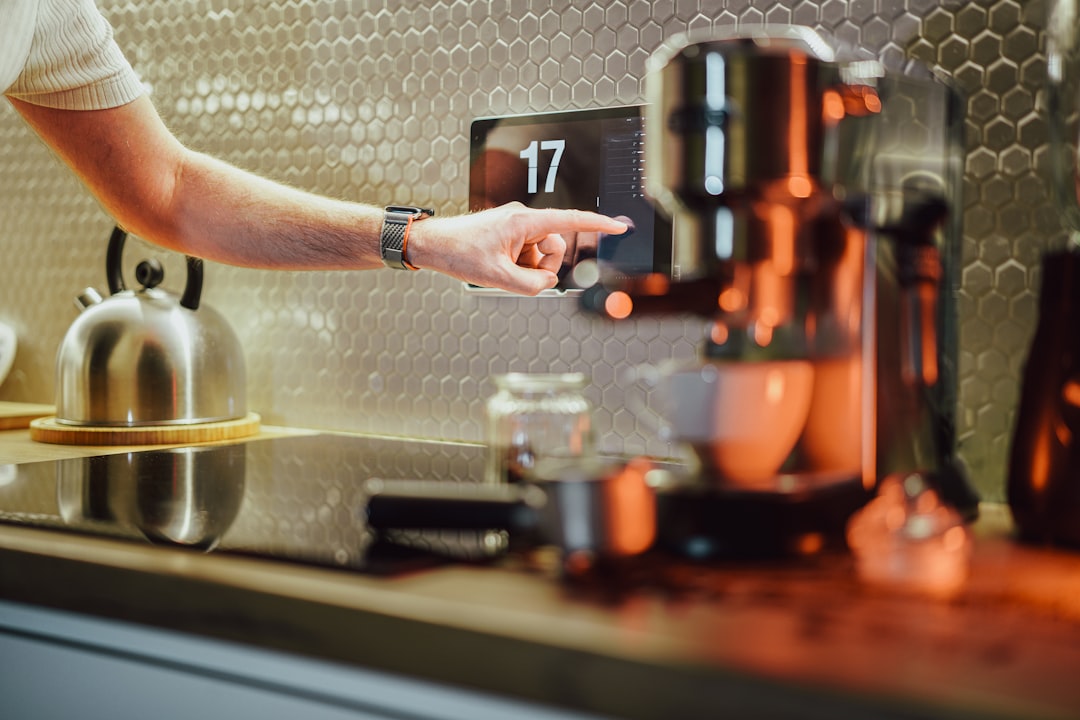
Face Match on the Nest Hub Max is one of the more useful features on any smart display: walk into the kitchen, look at the screen, and get your commute, calendar, and messages without saying a word. When it works, it feels like magic. When it silently un-enrolls a family member, they get somebody else’s private data or nothing at all, and you get a support ticket. This has become a common complaint since the Google Home app redesign in early 2026, and the fix is almost always about permissions and voice-match linkage, not the camera.
Why Face Match un-enrolls on its own
Face Match is not just facial recognition. It is a link between your face template (stored on the Hub Max), your Voice Match (stored in the Google Home cloud), and your Google account. If any of those three drifts, the Hub Max plays it safe and refuses to match, which the app displays as “Face Match paused” or “Retake photos.” Three real causes account for most of these events:
- The linked Google account had its Voice Match template invalidated. This happens when you change the account’s assistant voice model region, switch languages, or delete voice recordings from myactivity.google.com.
- The Hub Max’s on-device face storage was cleared by a system update. Firmware updates in February and June 2026 both required a re-enrollment for a subset of devices.
- The household member’s phone was re-signed into the same Google account on a new device, which resets the Assistant personalization consent.
Recovery steps for a single household member
- Open the Google Home app on the affected person’s phone (not the household admin’s phone).
- Tap Settings, then You and Your Household, then Voice and Video Match.
- If Voice Match is present, note it and continue. If it says “Set up Voice Match,” complete that first. Face Match requires Voice Match as its identity anchor.
- Under the same screen, look for the Nest Hub Max in the list of devices. Tap it and choose “Retake photos.”
- The app opens a live camera view. Follow the on-screen prompt to turn your head to five angles. This takes about 60 seconds.
- Return to the Hub Max device screen and confirm the person’s name shows a green “Face Match active” indicator.
The permission that quietly gets revoked
Google requires two specific permissions to be granted for Face Match to work, and both can be revoked accidentally:
- Personal results on this device. Home app, tap the Hub Max, Settings, Recognition and Sharing, Personal Results. If off, Face Match still enrolls but does not display personal data.
- See face photos on this device. Same screen, further down. If off, the face template is stored but not used to identify people, so the display just shows the household name instead of the individual.
Both toggles reset to their previous state when the Home app is updated. The June 2026 Home app update reset these on about a third of users based on community reports. Check them first if Face Match is enrolled but not showing personal data.
Household roles matter
| Role | Can enroll their own face | Can view others’ Face Match | Can set devices |
|---|---|---|---|
| Home Manager (primary) | Yes | Yes | Yes |
| Home Member (adult, invited) | Yes | No | Yes |
| Family Member (child under 13, Family Link) | Only with parent approval | N/A | No |
| Guest access | No | No | No |
A common cause of “keeps un-enrolling” is when a household member’s role was changed from Manager to Member. The un-enrollment on role change is intentional (they no longer have the elevated privilege that included their old face template), but the app does not tell you this happened.
When the camera itself is the problem
Rare, but worth checking after ruling out the above:
- Wipe the camera lens with a microfiber cloth. Dust films are the most common physical cause of dropped matches.
- Check the room lighting. Face Match struggles below 200 lux (roughly the lighting level of a dim restaurant). Enrolling in the same lighting the display normally lives in gives the best match rate.
- Look at the Hub Max’s own status LED. If the small green camera-active LED next to the lens does not light when you enter the room, the camera is disabled at hardware level. Slide the physical shutter switch on the back to the open position.
Frequently asked questions
Does Google send my face template to the cloud? No. Face templates on the Hub Max are stored on the device and are not synced to Google’s servers. Voice Match is cloud-stored; Face Match is not.
What happens to my Face Match if I unplug the Hub Max? The face template persists in device storage across power cycles. It is cleared only by a factory reset or a firmware update that requires re-enrollment.
Can two people with similar faces both enroll? Yes, but siblings or parents-and-teenagers with very similar faces will occasionally cross-match. If this happens repeatedly, re-enroll both with more varied angles and lighting.
Does Face Match work with a mask, glasses, or a hat? Glasses yes, hat that does not cover the eyes yes, full face mask no. Reading glasses added after enrollment usually work but sometimes require re-enrollment while wearing them.
Why did my calendar show up on the display when nobody was looking at it? The Hub Max also shows personal results for the last Voice Match speaker even when no face is detected, for about five minutes. If you want privacy, disable Personal Results or set a Downtime schedule.
Does Face Match work with identical twins? Poorly. Face Match’s neural model was not trained on the level of similarity that identical twins have, and cross-matching is common. If you have twins in the household, plan on Voice Match being the primary identifier and Face Match being unreliable.
Can I share Face Match across multiple Nest Hubs in the same home? Yes. Once enrolled on any Nest Hub Max, your face template is copied to other Nest Hub Max devices in the same household (over local network, not cloud). Nest Hub Max is the only display in the lineup with a camera; the smaller Nest Hub 2nd gen has no camera and does not support Face Match at all.
How do I fully remove my Face Match template if I sell the device? Factory reset the Hub Max from Settings, Device Options, Factory Reset. This wipes the face template and all local data. Voice Match remains stored in your Google account and can be removed separately from myaccount.google.com.